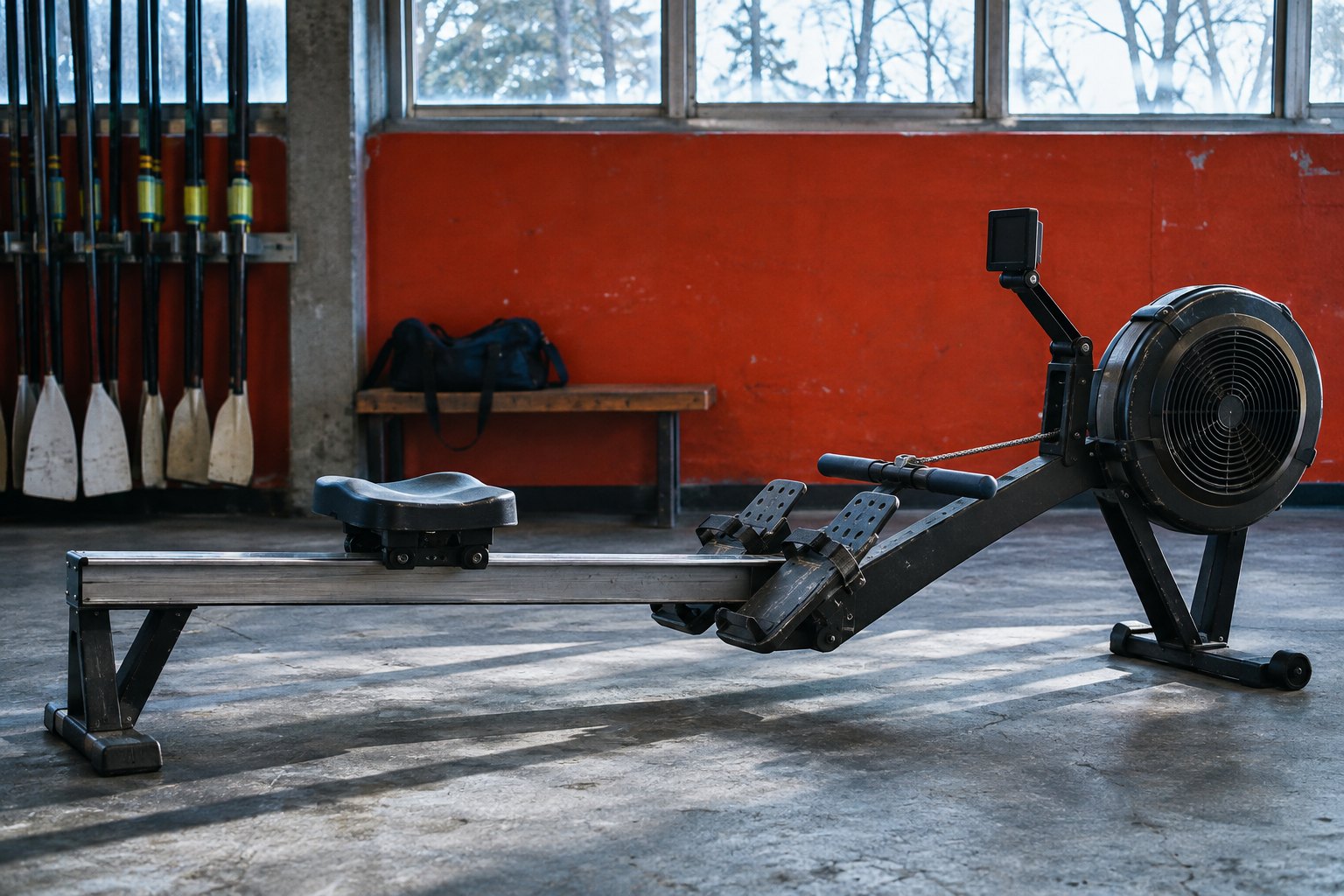
Begin with the labels on the display
Check whether the monitor is showing elapsed time, distance, an average or a current estimate. A value that changes during a stroke is not necessarily the session average. Use the equipment’s own documentation to understand its display and any saved summary. Our pace desk works from two numbers you enter: total distance and elapsed time. It cannot identify a machine or recover a session that was not recorded.
Know what a split expresses
A 500-metre split expresses the time associated with 500 metres at a given average pace. The arithmetic is elapsed seconds multiplied by 500 and divided by distance in metres. Concept2 publishes this relationship in its own pace calculator. We use that arithmetic only; we do not import a power model or estimate energy use. A lower split means less time for the same reference distance, without explaining how the session felt.
Separate the calculation from the purpose
For a fictional 2,000 metres in eight minutes, the average split is two minutes per 500 metres. That example demonstrates the tool and is not a recommended pace, test or performance standard. The display alone does not tell you what intensity was appropriate, whether technique was effective or what to do next. Discuss those questions with the person responsible for instruction and any relevant individual advice.
Record enough to recognise the session
Keep the setting, distance and elapsed time together. If you compare records, establish whether the equipment and recording method are meaningfully comparable. Avoid reading a single session as a trend. Our notebook keeps indoor and water entries separate and does not assign grades, calorie estimates or fitness scores. It is a place for a small accurate record, with the limits left visible beside the numbers.